
Every member, every peso, one set of books.

Nexus360 is a core banking platform for Philippine cooperatives. Membership, share capital, deposits, loans, the teller counter and accounting run in one cloud system, designed for CDA rules.

To book a demo, call ITCORE Solutions Inc. at (0939) 335 7486.

Built for cooperatives first. Banks are next.

A cooperative officer shows a tablet to two members at a wooden counter in a sunlit office.

What it does

Nine parts of one system. A transaction is entered once and shows up everywhere it should.

Members and CRM
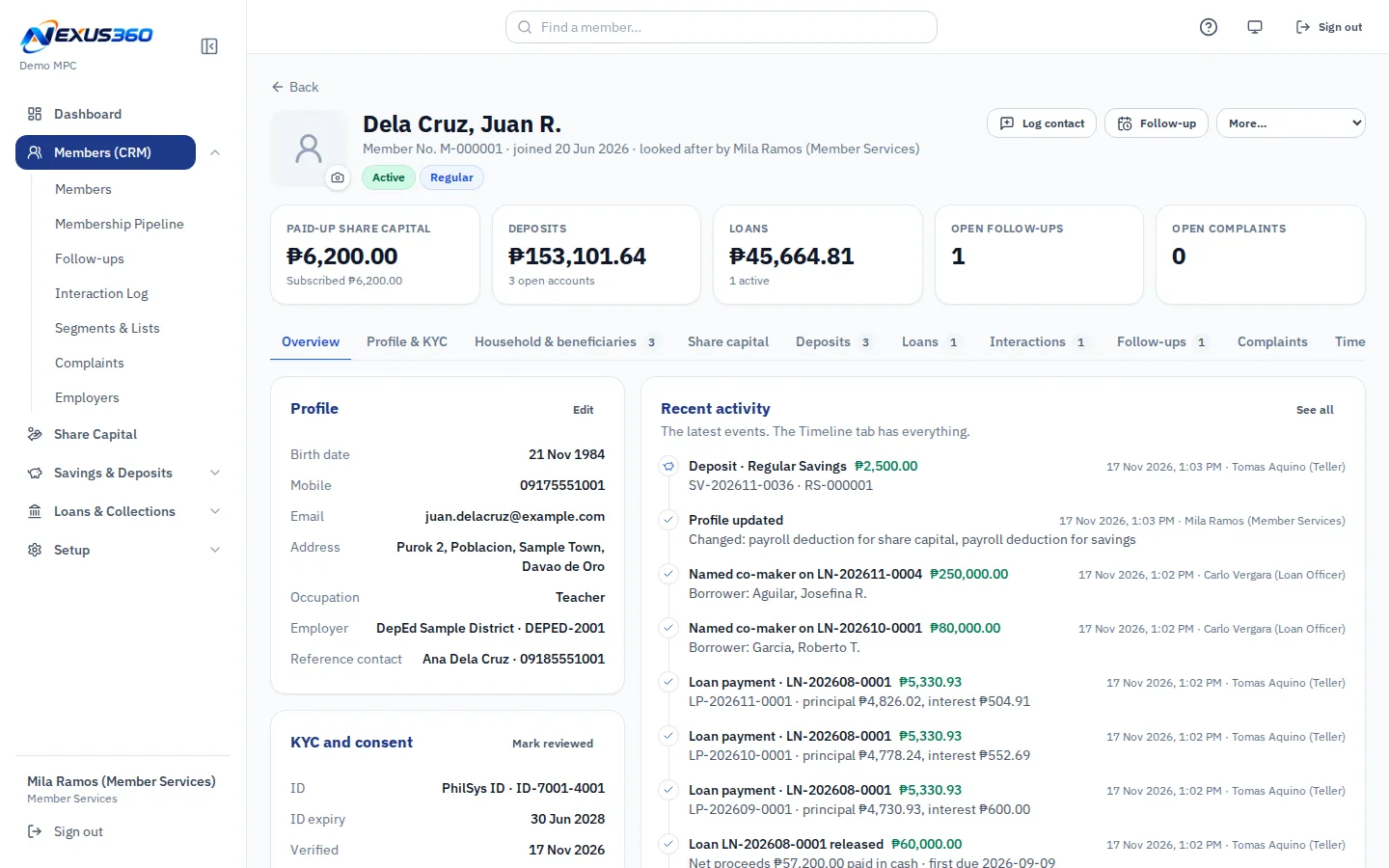
One record per member: profile, KYC, the path from the membership seminar to approval, follow-ups and complaints.
Deposits and share capital
Savings, time deposits and capital build-up, with passbooks and interest. Every transaction posts to the books at once.
Loans and collections
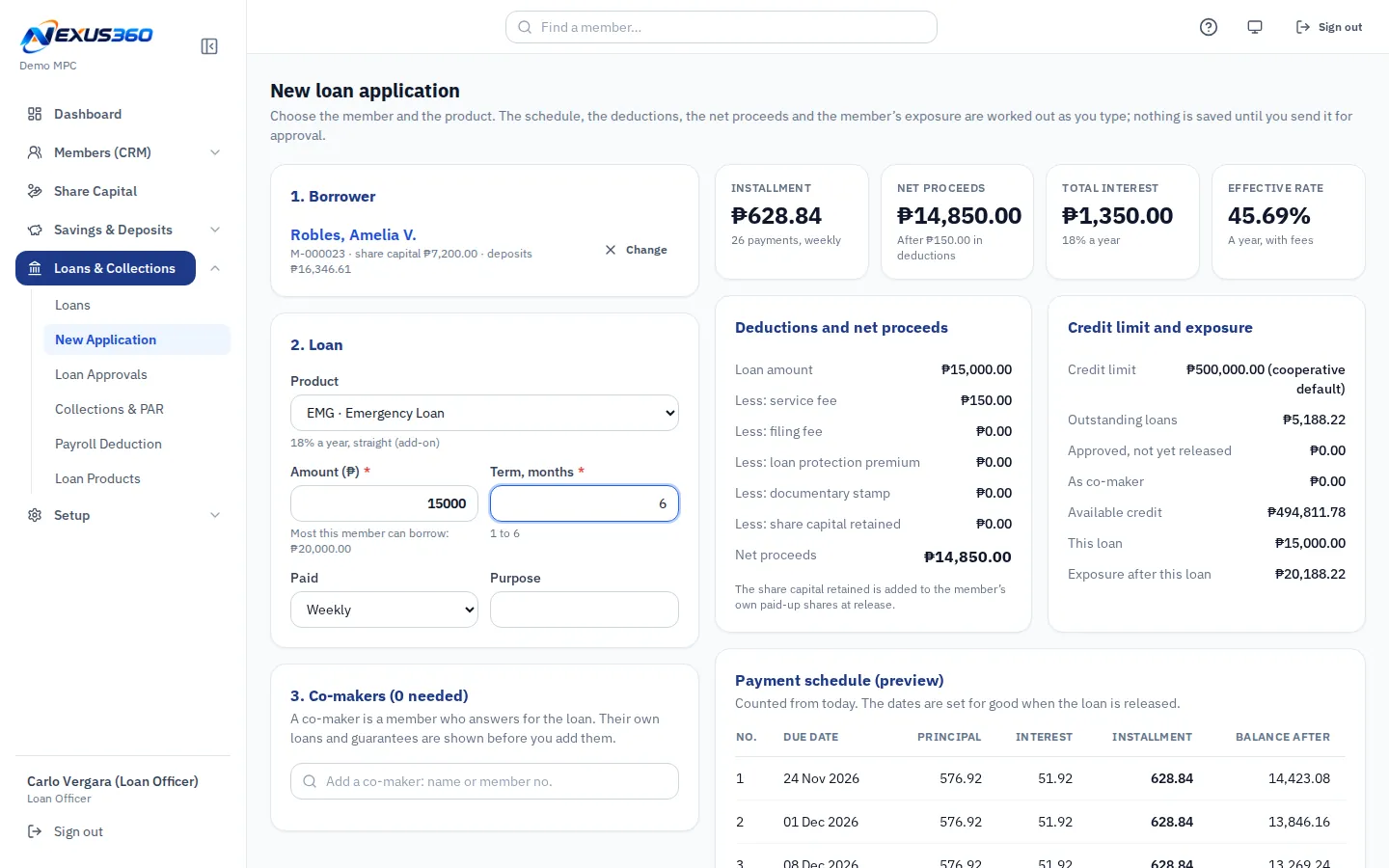
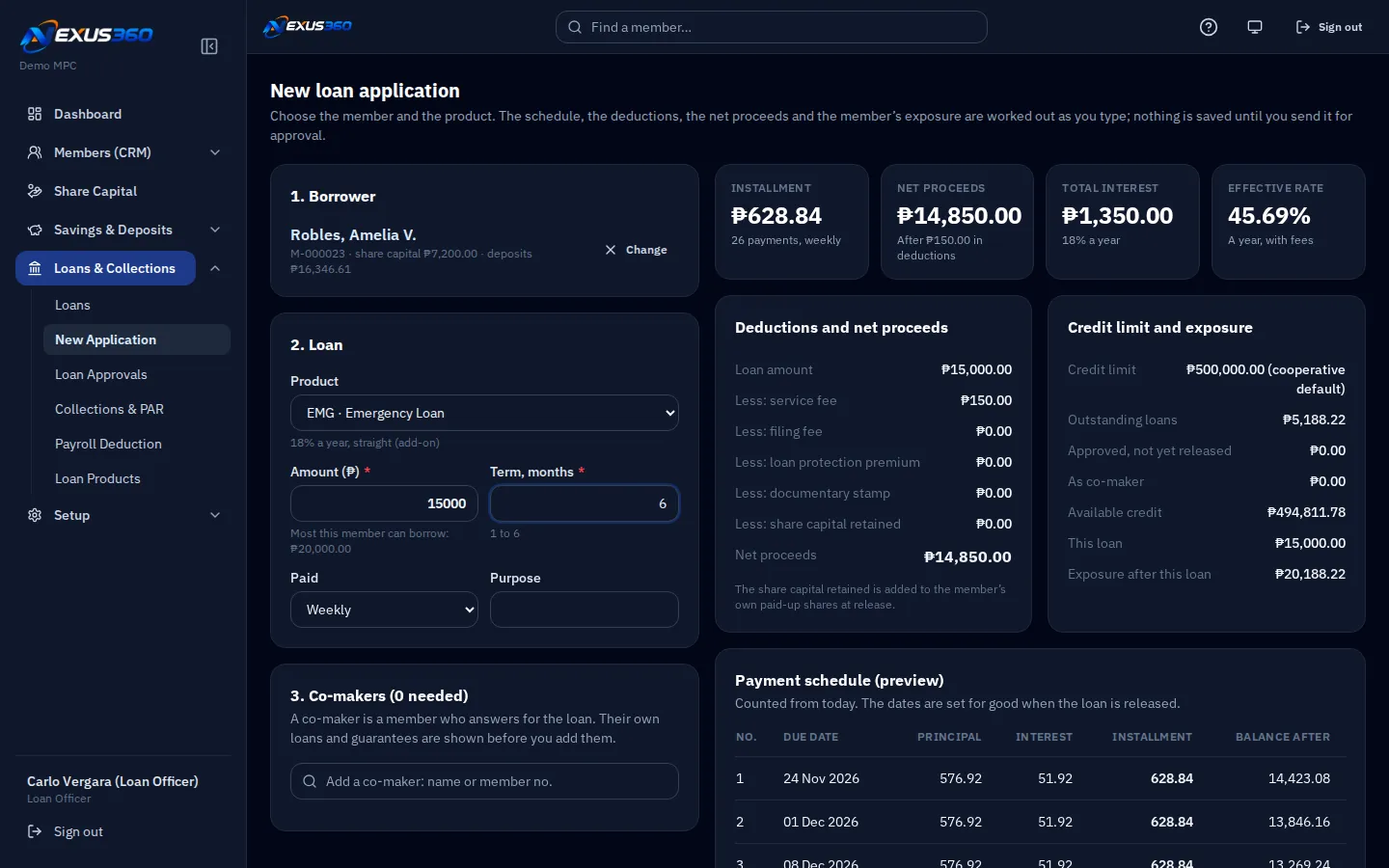
Application, approval, release and repayment. Aging, portfolio at risk and payroll deduction batches for employers.
Teller
A till for each teller, the day's blotter, withdrawal limits, and reversals that need a second person.
Accounting on the CDA chart
General ledger, a month-end checklist and financial statements laid out on the CDA's standard chart of accounts.
Year-end surplus split
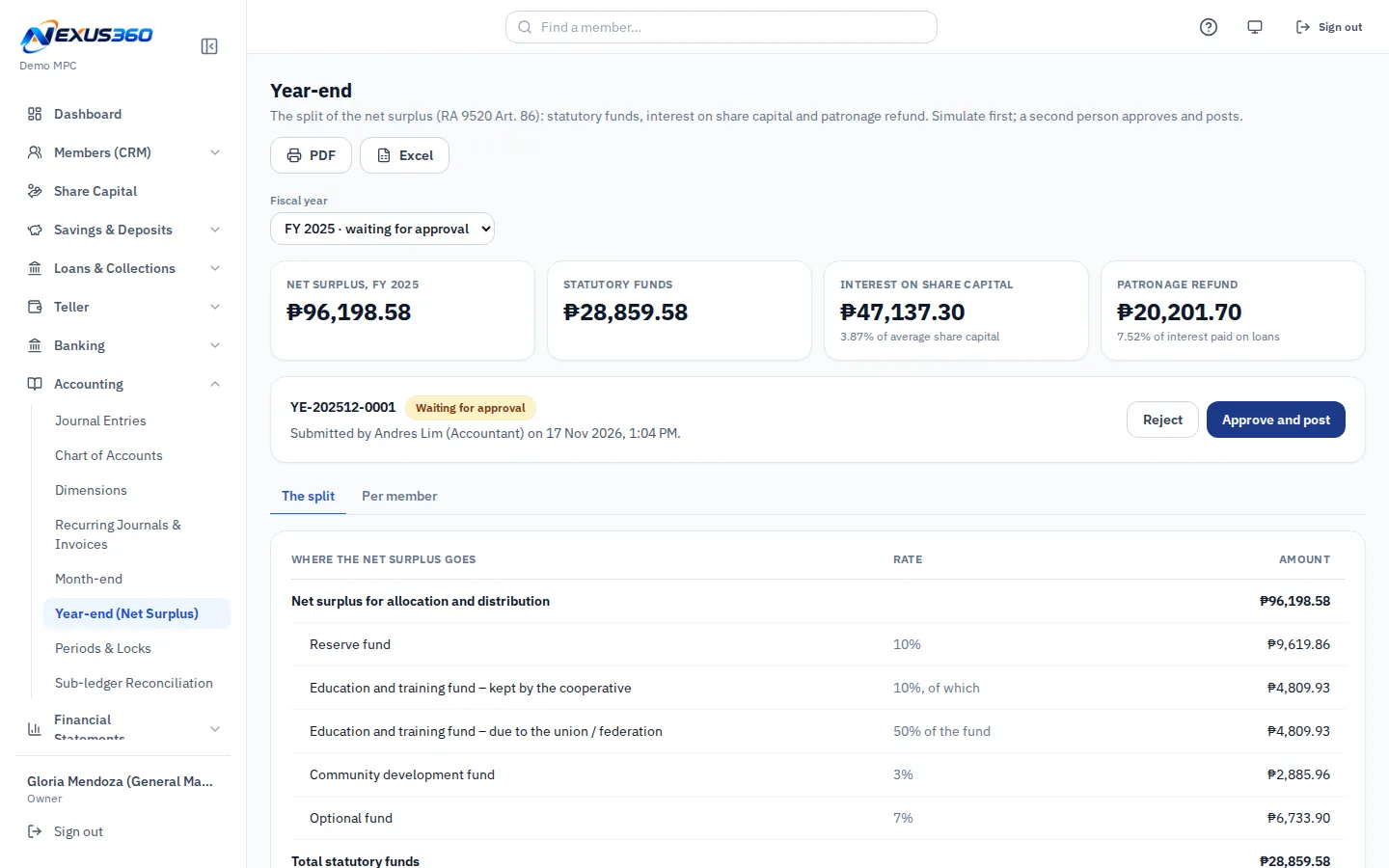
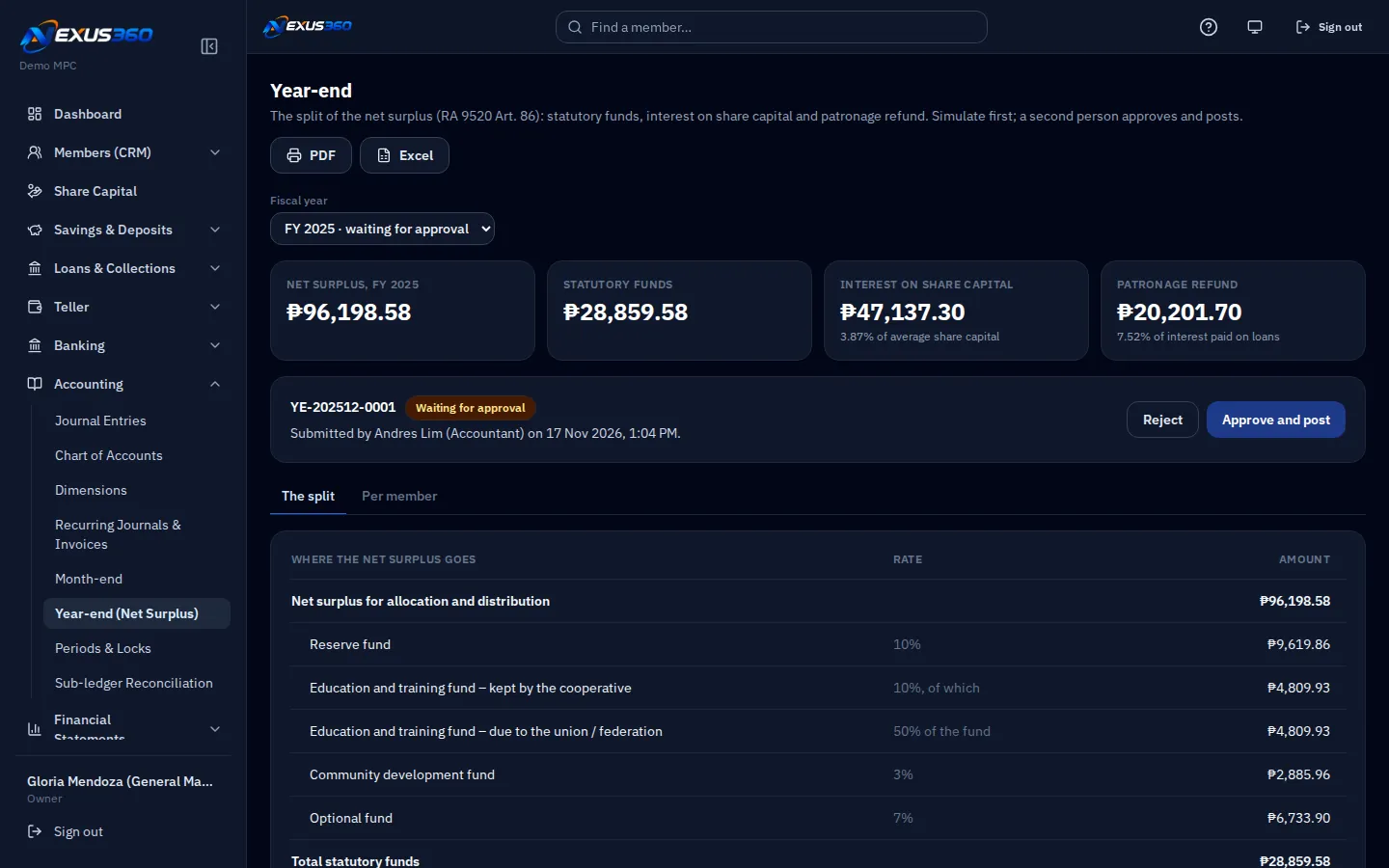
Splits the net surplus by the rates in your bylaws, then credits interest on share capital and patronage refund to each member.
PESOS ratios and compliance
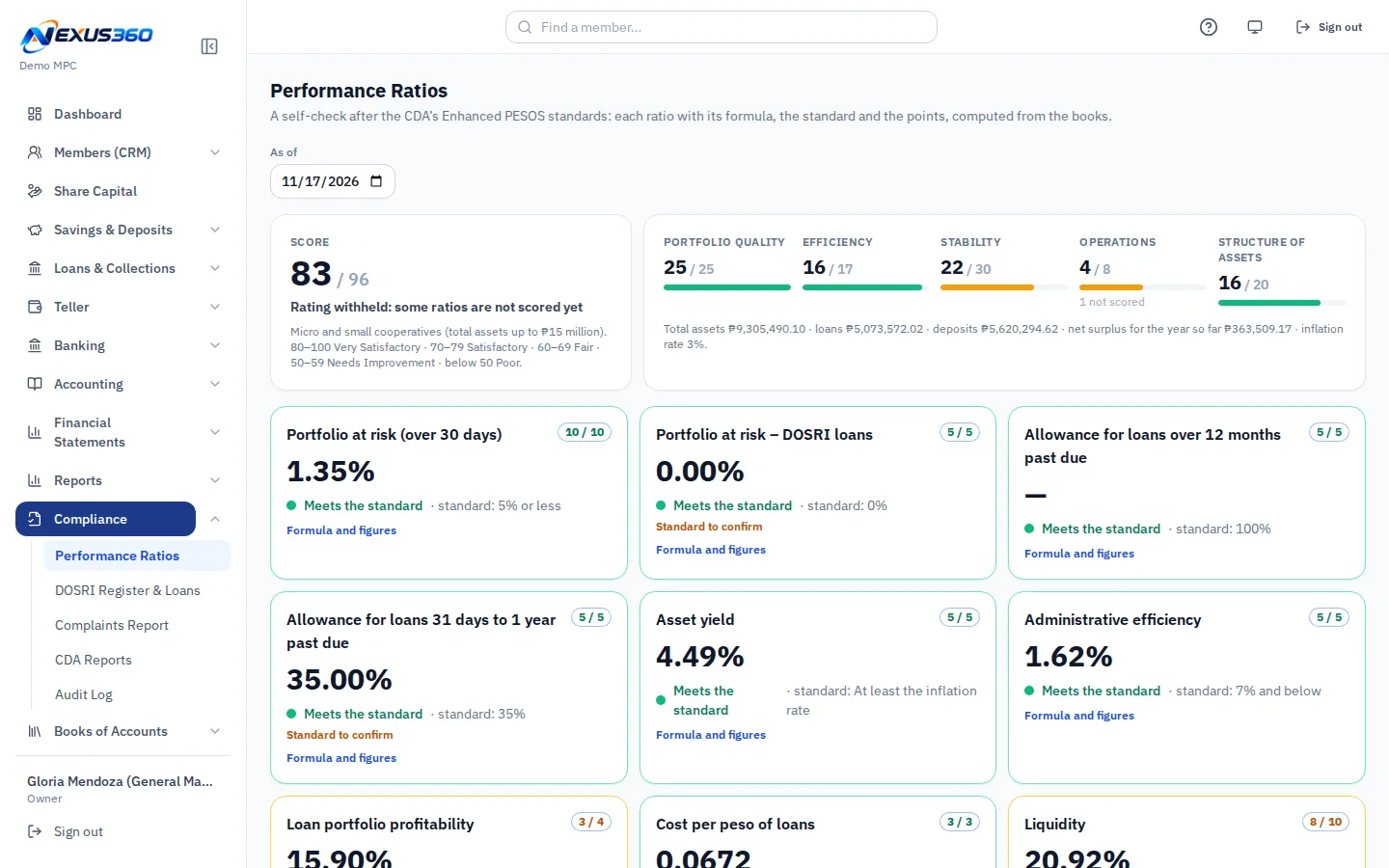
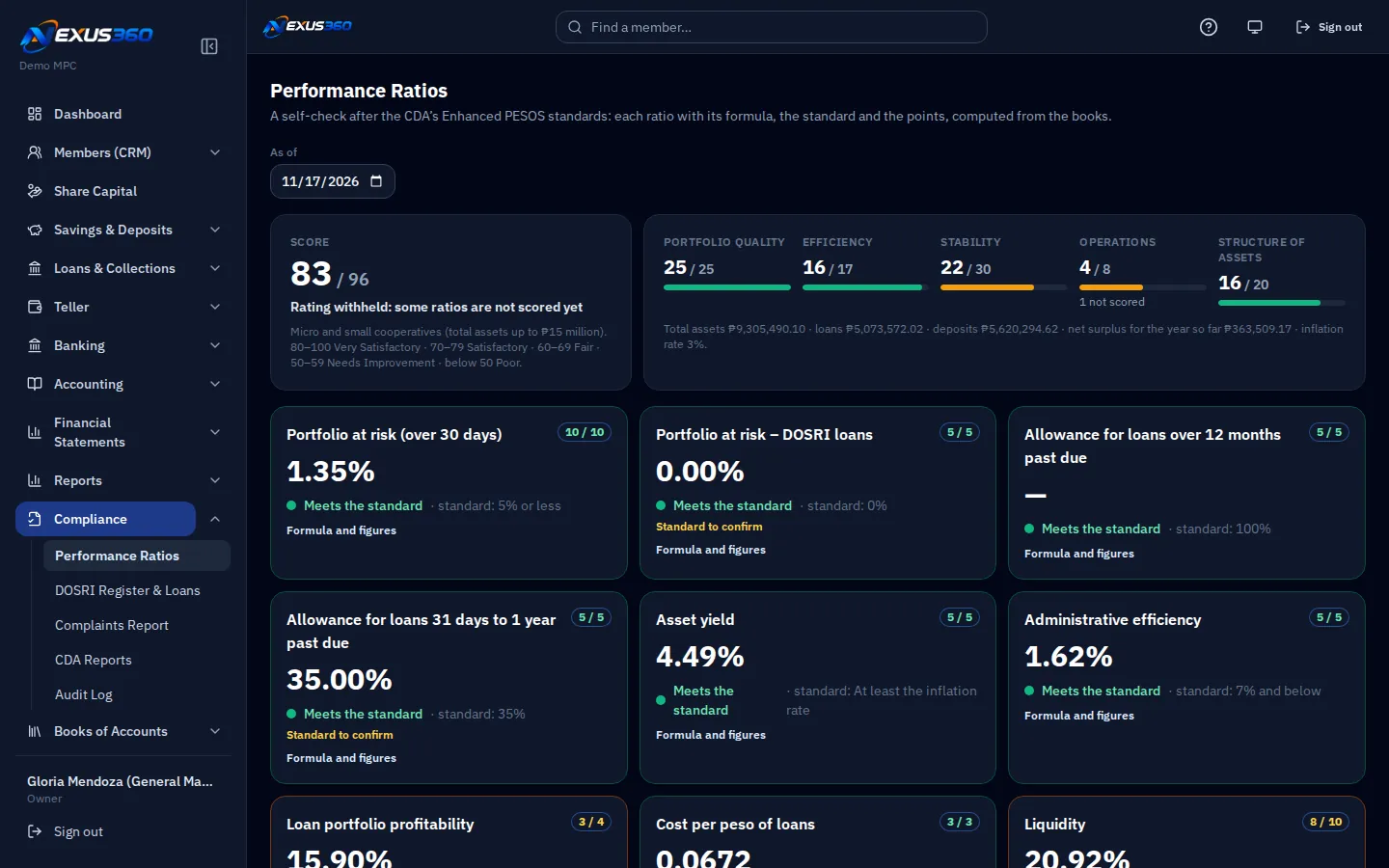
Performance ratios with points as a self-check for management, DOSRI loans, and a list of the reports the CDA asks for.
Reports
Member, deposit, loan and teller reports. Each opens on screen, as PDF and as Excel.
Clara assistant
Ask "how do I close the month?" in plain words. Clara answers from the Help pages and cannot see your records.

Why Nexus360

Made close to the cooperatives that use it, with the controls a financial system needs.

Built in the Philippines

Made by ITCORE Solutions Inc. in Cebu City for the way cooperatives here work: the membership seminar, capital build-up, payroll deduction, patronage refund.

Designed for CDA rules

The chart of accounts and the statements follow the CDA layout for cooperatives. Limits from the Cooperative Code are settings you switch on, not custom work.

In the cloud

Staff sign in from a browser at the main office or a branch. There is no server to keep in a back room, and updates arrive without an install.

Secure

  • Two-step sign-in. A password and a code from an authenticator app.
  • Audit trail. Who changed what and when, with the old and the new values.
  • Maker-checker. The person who enters a sensitive transaction cannot approve it.

A look inside

Five screens from the system as it runs today.
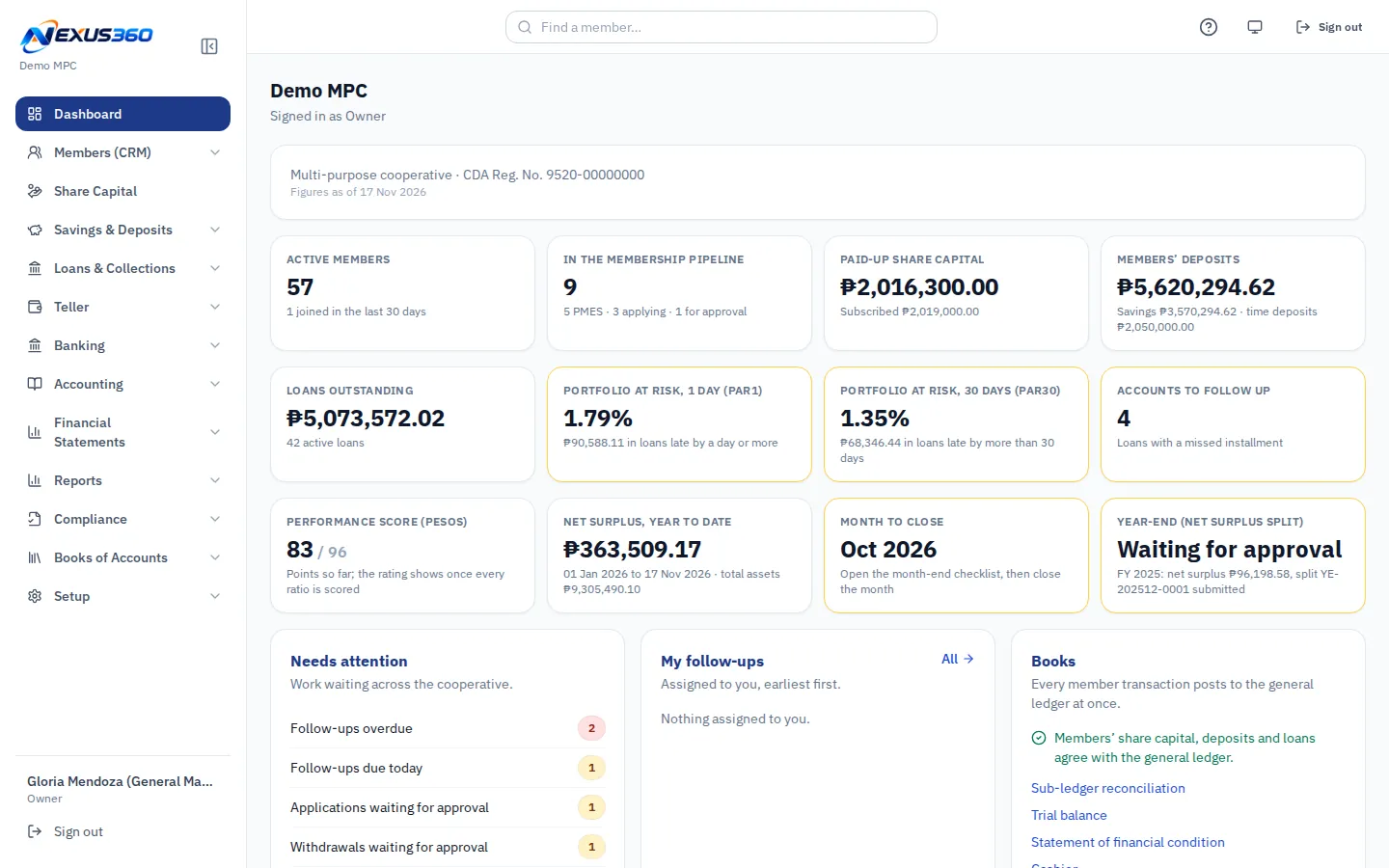
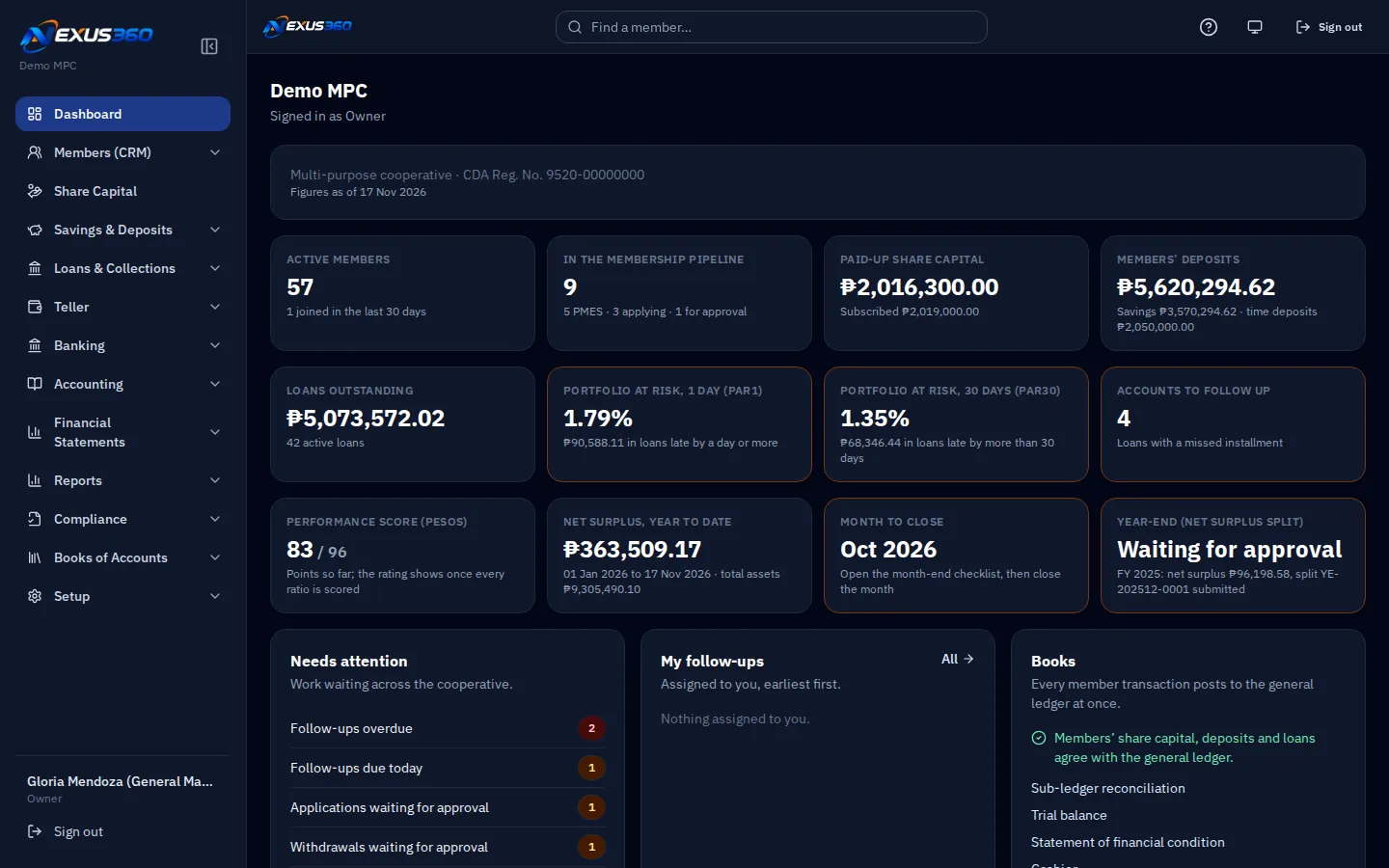
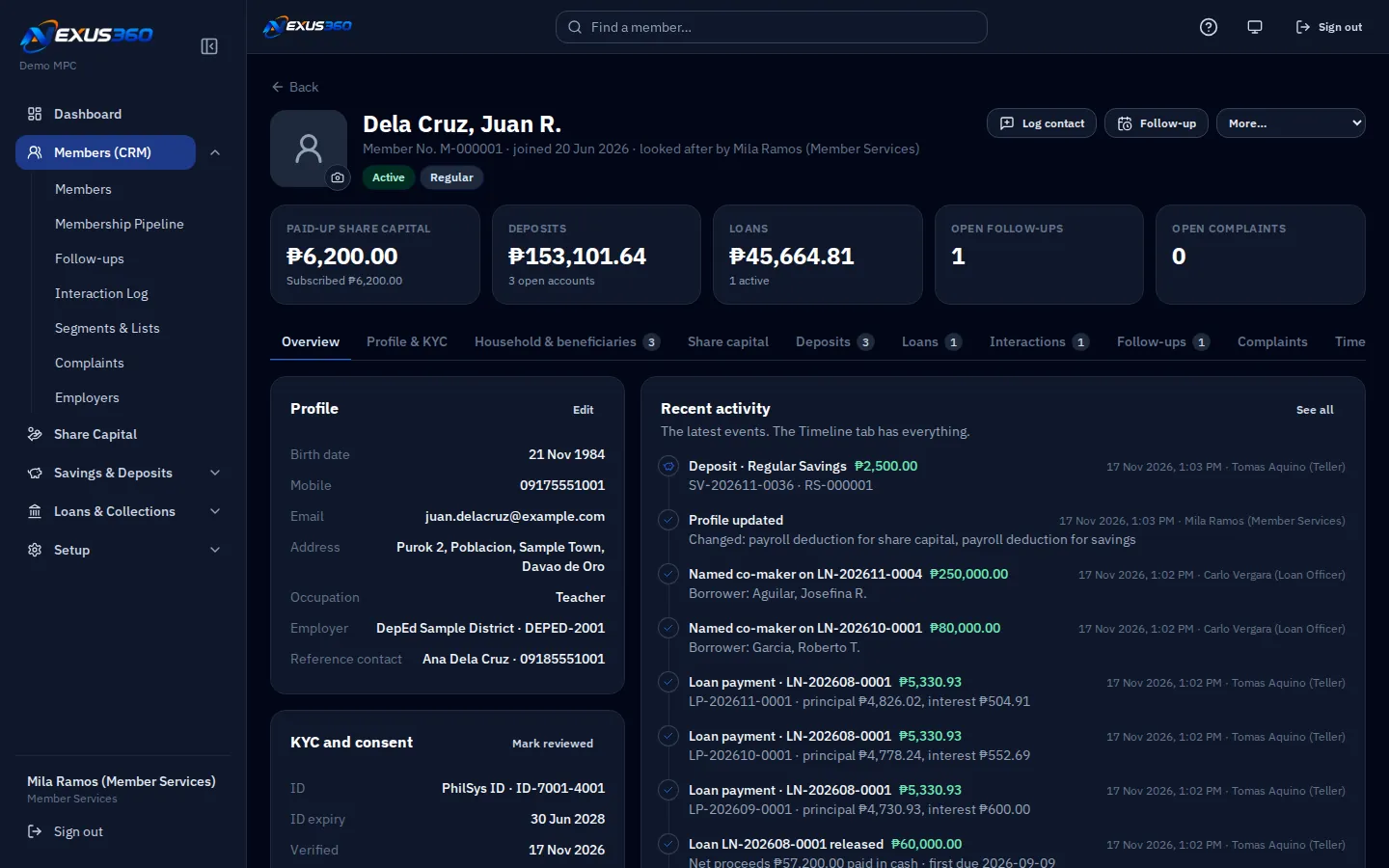
The dashboard: members, share capital, deposits, loans, portfolio at risk and what needs attention. The dashboard in dark mode.
The dashboard shows the cooperative today, live from the books, with the approvals that are waiting.

The screens show sample data from a demo cooperative, not a real one.

Coming next

These are planned. They are not in the system yet.

  • Member mobile app

    Balances, loan dues and notices on the member's phone.

    Coming
  • ATM

    Cash withdrawals from members' accounts at ATMs.

    Coming
  • Online banking, InstaPay and PESONet

    Transfers to and from other banks and e-wallets.

    Coming
  • SMS notices

    Text messages for transactions and due dates.

    Coming
  • CIC reporting

    Credit data for the Credit Information Corporation.

    Coming

See it run with a demo cooperative.

We walk you through a full day: a new member, a deposit at the counter, a loan, the month-end close and the year-end split. Call (0939) 335 7486.